SAVE THE LOOKS YOU LOVE
A look you love,
ready for next time.
Save the products and steps you used, so you can wear that look again without guessing.
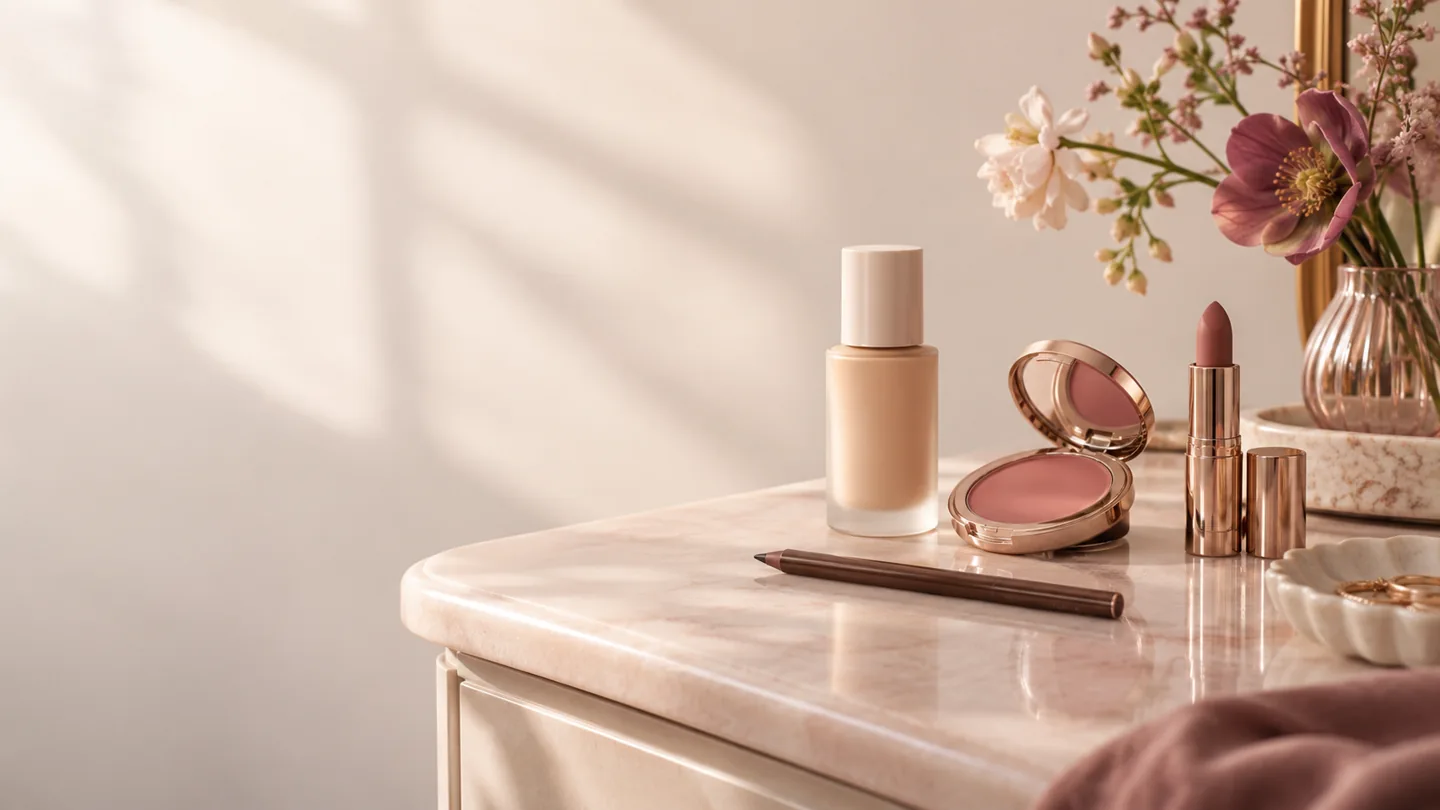
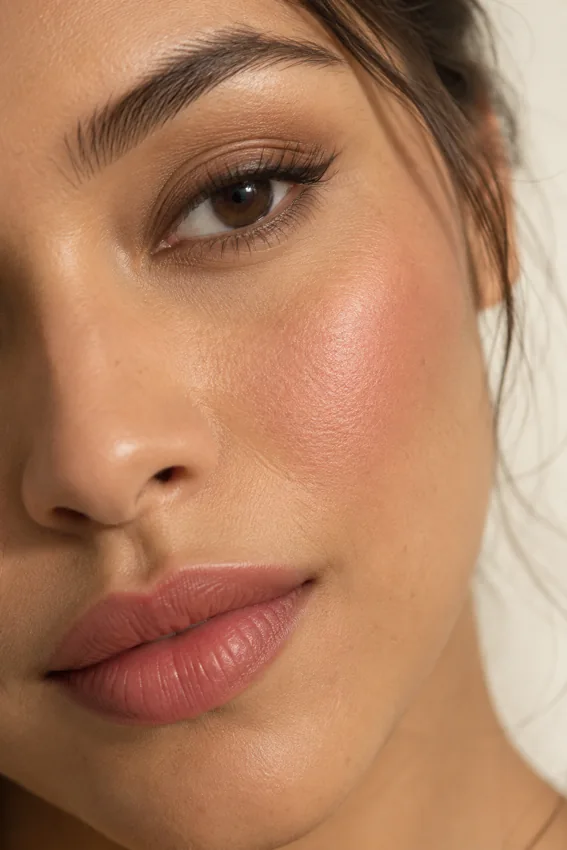
SAMPLE LOOKSave a look you lovedKeep your steps and products together
Sample images · Your own photos stay in your browser
SAMPLE LOOKThe little details that make it yours.
Open the products, steps and note below. This is how a saved look helps you remember what worked.
Illustrative example. Exploring it does not save anything to an account.
5 MINUTES · SAMPLE LOOKSoft everyday glow
An easy look for an ordinary day.
Products & shades
Cream blushDusty rose
MascaraSoft brown
Tinted lip balmWarm rose
The steps to repeat it
- Blend a little cream blush over the cheeks.
- Add one coat of brown mascara.
- Finish with a light layer of tinted lip balm.
What I’d remember next time
The lighter blush layer worked well. Next time, pack the lip balm for a quick touch-up.
✧ Know what you have
◇ Keep looks you love
♡ Remember what worked
Keep track of what works for you
Start with one look. Add more whenever you want.
01 / SAVESave the look
Add the products you used and write down the steps. You can add products as you go.
02 / REPEATWear it again
Find a saved look in Today. When you wear it, you can add a note about what worked or what you would change.
03 / PHOTOSKeep photos on your device
Photos stay in the browser where you add them. Download a backup if you want to keep them.
FREE AND PRO
Start with one look. Grow from there.
You can save and wear looks on Free. Pro adds room and extra ways to organise them.
Free
$0
- 25 products and 3 saved looks
- Notes and wear history
- Basic search, favourites and data export
Start freeGLOWCAT PROMore room for your looks
$1.99 USD per month, including applicable tax
- Unlimited products and looks
- Groups and linked variations
- Packing lists and saved searches
See Pro in GlowCatWHAT'S NEXT
GlowCat on Android is planned.
You can use GlowCat on the web now. The Android app is planned to use the same account for your products and looks.
Photos will still need a separate export and import. They won't sync automatically.
Open GlowCat ↗